Workshops and Training Sessions at Arch60
At Arch60, we have worked hard over many years to develop a diverse set of skills in the production and modelmaking space and for the first time, we are looking at directly offering those skills to you!
Watch this space for more information on upcoming workshops and training opportunities. If you feel that there is something we could offer but aren’t currently, please get in touch by sending an email to artwork@modelshop.co.uk to let us know and we will see what we can do!
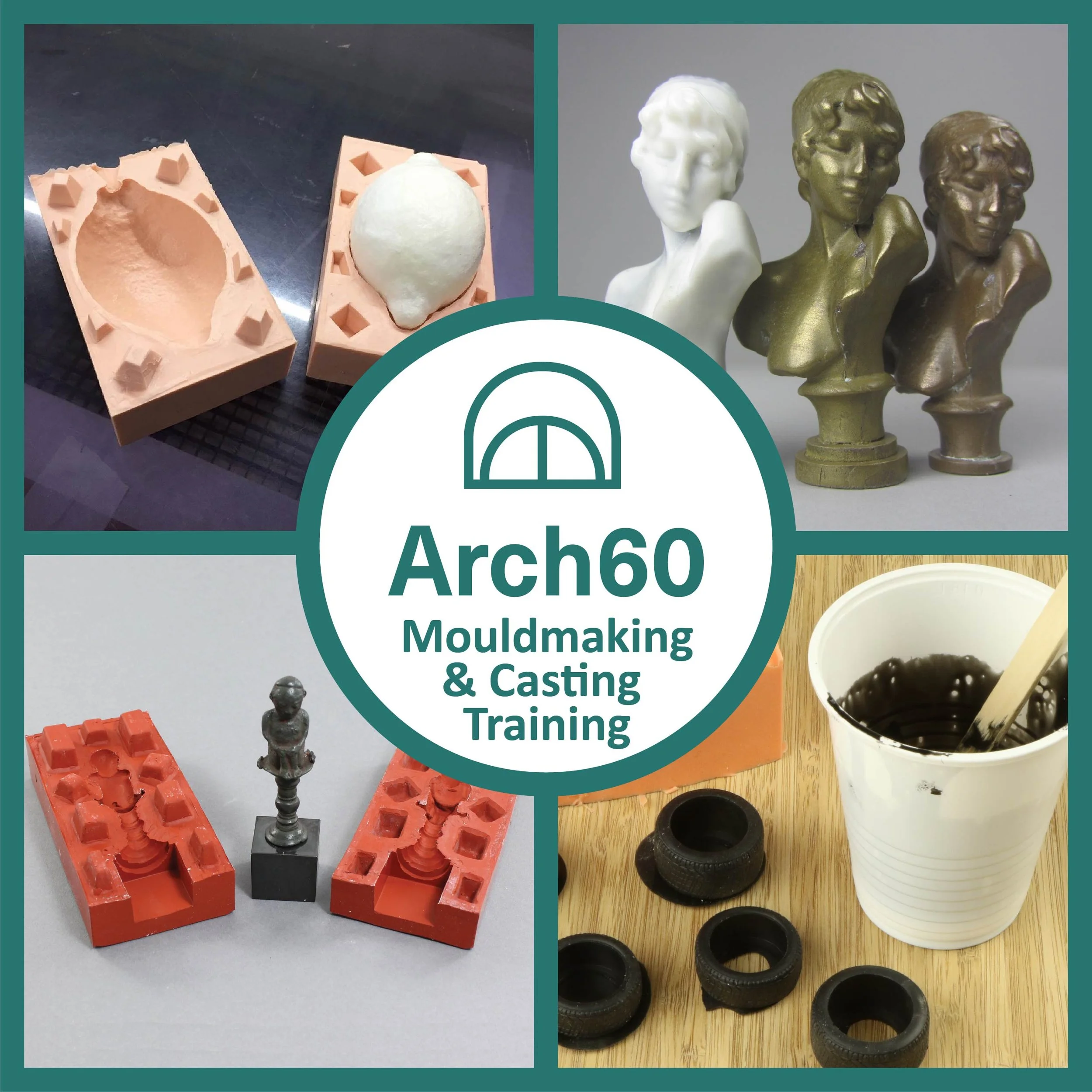
A one day casting and mouldmaking workshop, covering the basics of producing silicone moulds and casting in resin hosted by our Mouldmaking and Casting specialist, Ben. The workshop will include:
Theory of how the materials work, which materials are right for which job and common problems beginners have when first starting mouldmaking and casting.
A hands on practical lesson on making 1 and 2 part silicone moulds.
A hands on practical lesson casting resin with a handful of additives for a range of effects.
You will be supplied with enough material to make the two moulds as well as 4-5 resin casts. Small masters will be provided for the lesson but you may be able to bring a small, simple master no larger than 2×1×1” and you will need to contact us prior to the event to see if this is possible.
This will take place here at Arch60 on Thursday the 19th of November and run from 10am to roughly 4:30pm including 45 minutes break for lunch.
TERMS: In the unlikely event that the workshop has to be cancelled for any reason, you will be notified with as much notice as possible and given a full refund or offer of a rebooking on the next course.
There is only a Maximum of 4 spaces but we will have more of these workshops in the near future. If you can’t make this one but would like to be made aware of future workshops, please let us know by email: artwork@modelshop.co.uk
Due to the nature of the materials involved, participants must be a minimum of 16 years of age, anyone under 18 must be accompanied by a guardian with their own ticket.
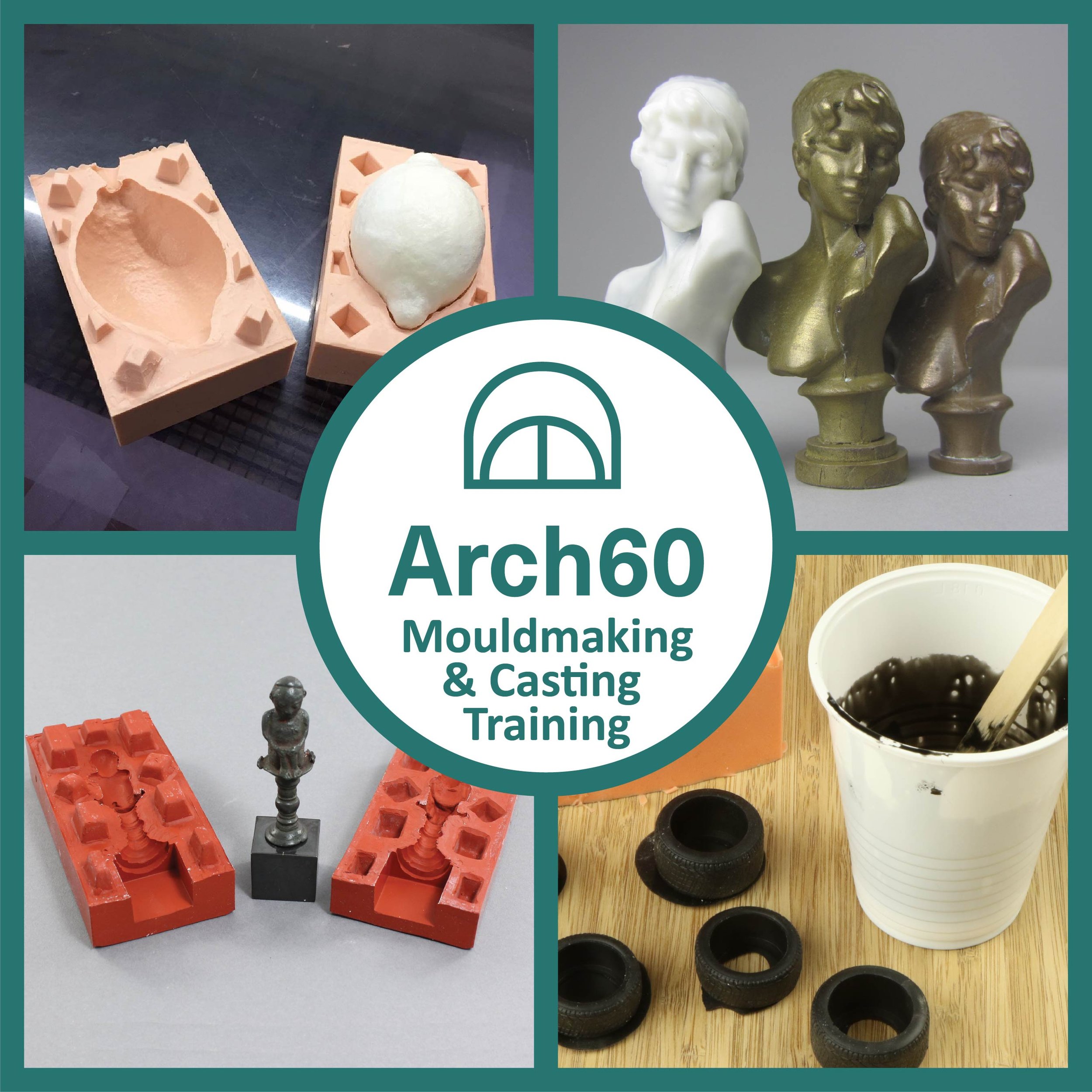
Whether working in graphic design or preparing files for Laser cutting or CAD production, vector artwork is a key skill that will help you in your professional life.
Whether you would simply like to sharpen your existing skills to make your workflow more efficient or need to start from the beginning, our experienced artwork operators are here to give you the knowledge you need!
We can cater for whatever discipline you wish to develop your skills for to ensure that you get the most out of your time with us.
Vector artwork is a broad subject and has many applications so please contact us prior to booking to ensure that we can cater for your needs and ensure that we have availability that suits you.
This is an in person training session so you will need to be able to travel to our workshop in E1.
By purchasing this training session you are paying for90 minutes of time which will cover the basics and allow time to practice what you will learn, this time can be extended if you wish to have more time to learn and practice.
We use Adobe illustrator CS5, this is an older piece of software, newer versions of illustrator may have different tools but the fundamentals are still the same.
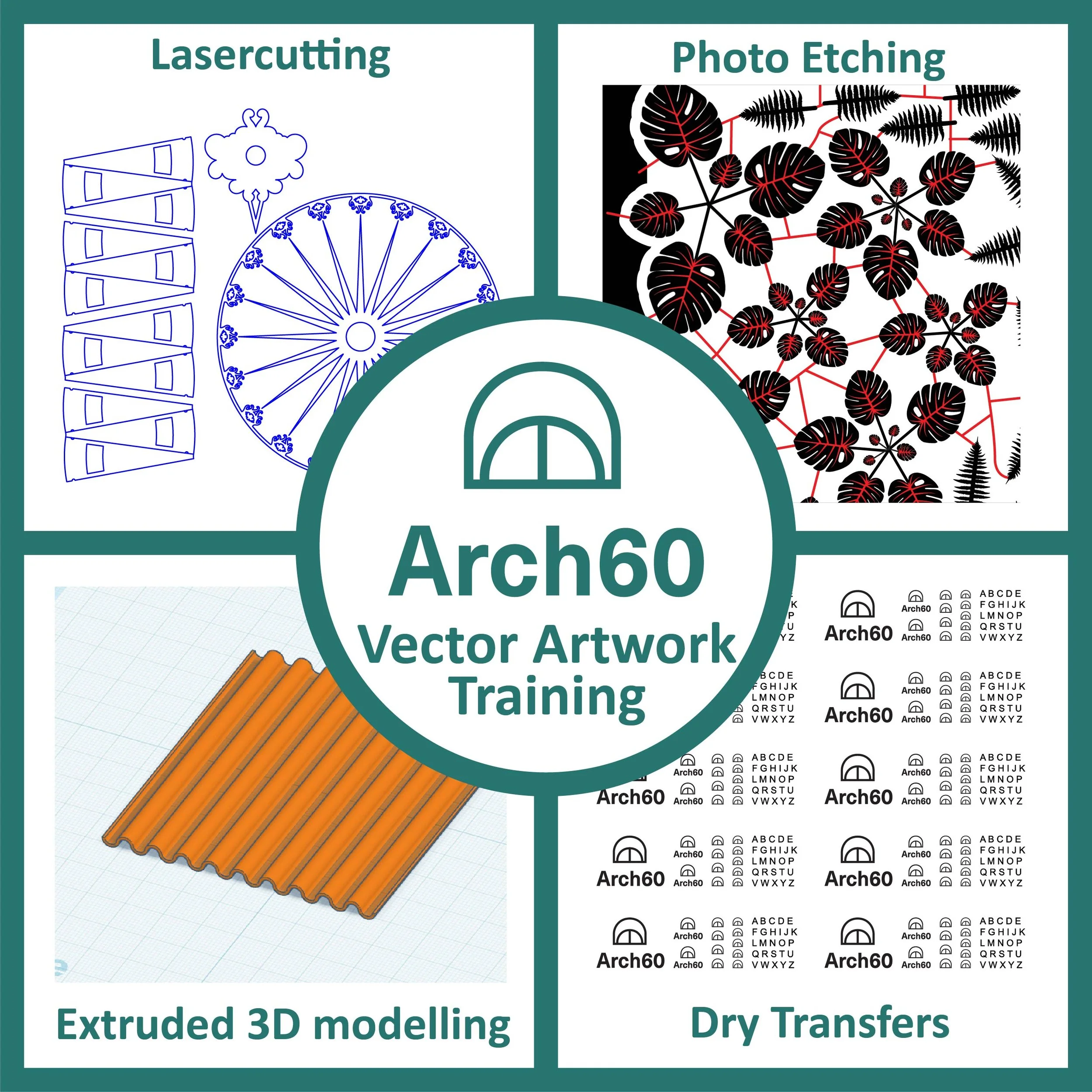
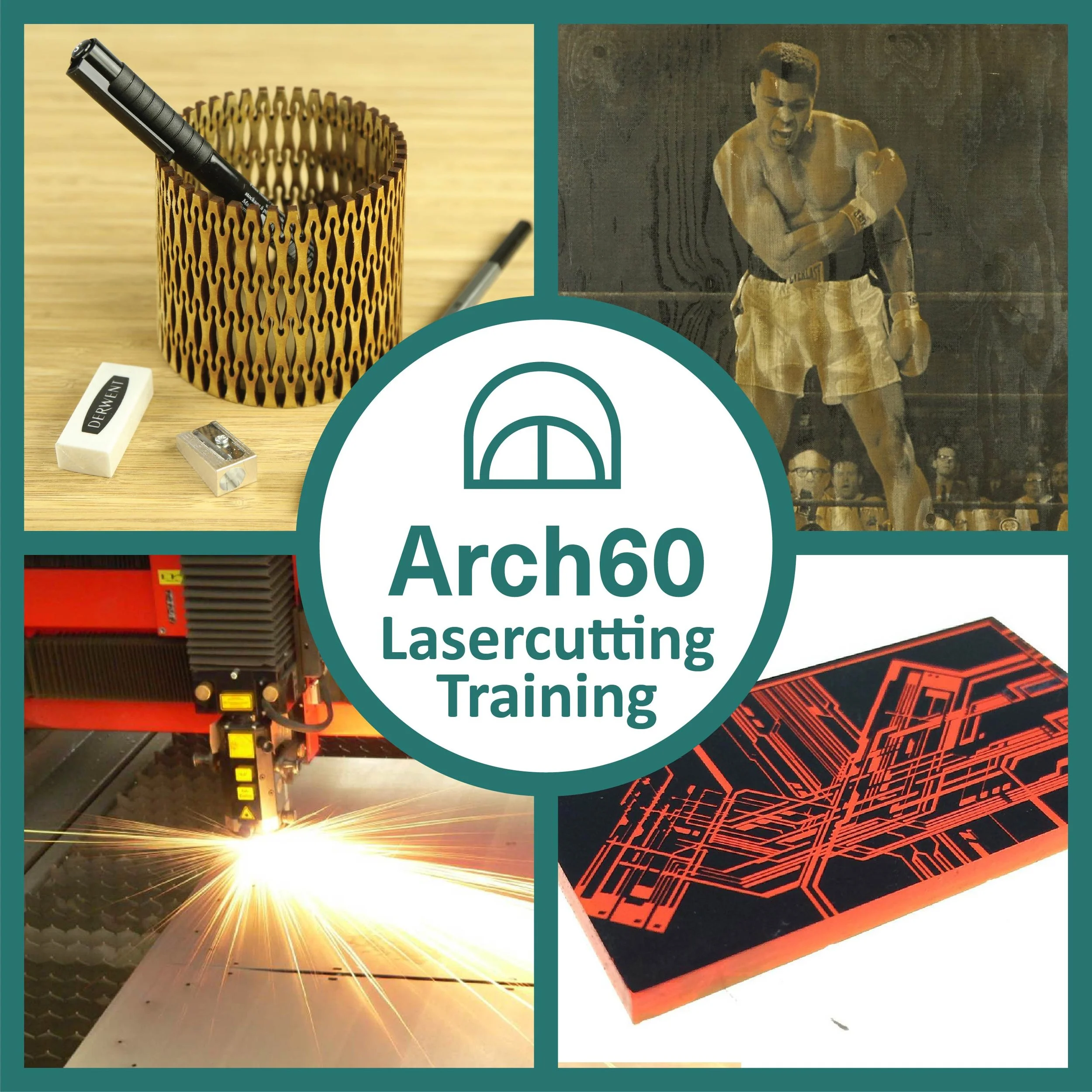
With this training session, you will learn to properly asses whether or not a file is suitable for laser cutting, make appropriate changes and then cut/engrave on a number of materials.
This will include proper assessment of which materials are safe to work with and their general requirements, giving you a solid foundation of understanding for getting the most out of laser cutting.
If you have a specific project in mind or already have a basic understanding and want to learn a specific area of laser cutting, please contact us prior to purchase as it may require more or less time.
Vector artwork is a broad subject and has many applications so please contact us prior to booking to ensure that we can cater for your needs and ensure that we have availability that suits you.
This is an in person training session so you will need to be able to travel to our workshop in E1.
By purchasing this training session you are paying for 90 minutes of time which will cover the basics and allow time to practice what you will learn, this time can be extended if you wish to have more time to learn and practice.
You will be trained using Adobe Illustrator CS5, Corel Draw and a Trotec Speedy 500 laser cutter. Different software and machines will have different requirements but the fundamentals will remain the same.
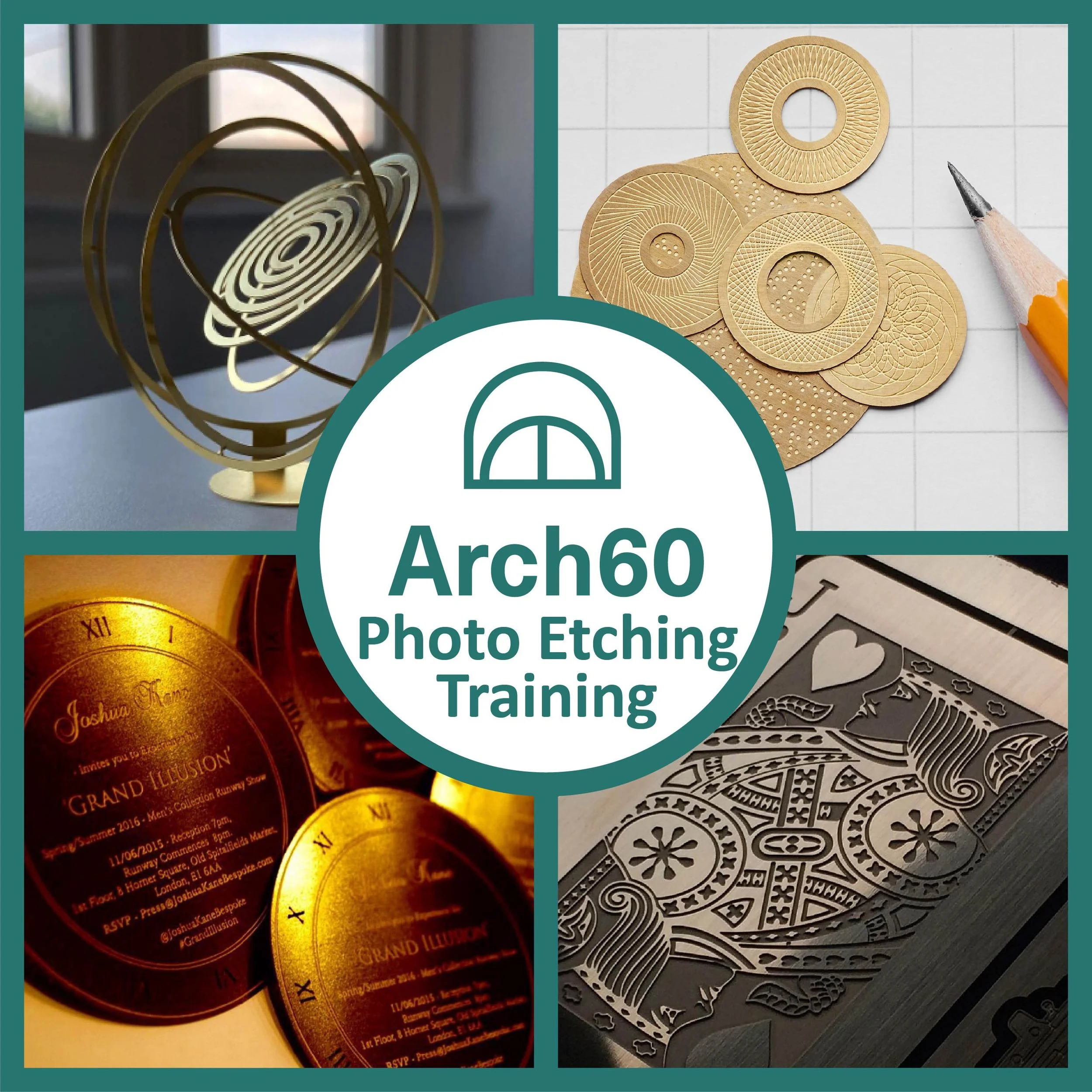
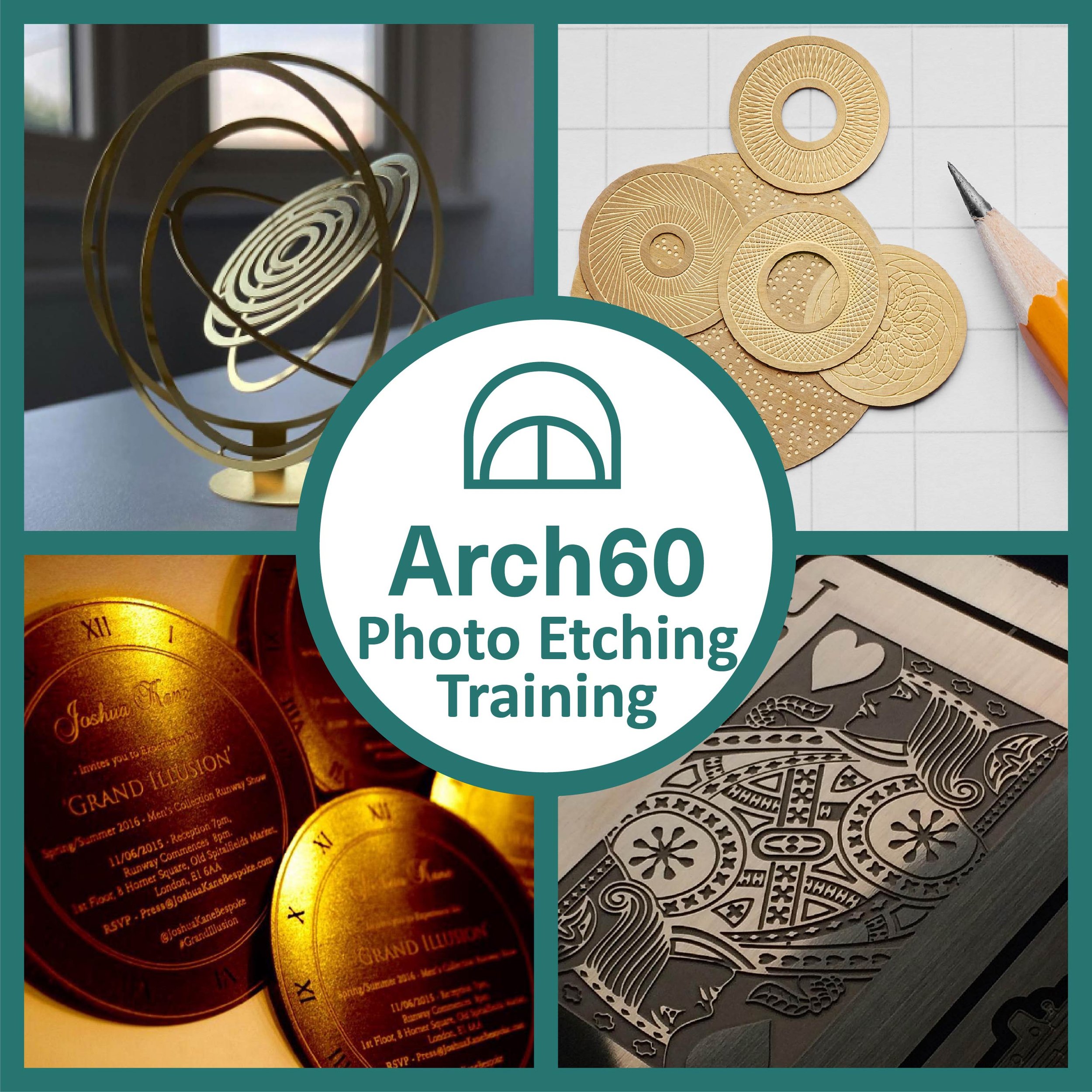
With this training session, you will learn to understand how to properly set up a vector artwork file for etching, including tolerances, economical nesting and general good artwork habits. By the end of the time slot you will have prepared an etching artwork that will then be produced and sent out to you.
For health and safety reasons, we cannot allow you to etch the metal yourself but you will be given a full breakdown of the process to give you a good understanding and allow you to explore the full potential of what you can do with Photo etching.
If you have a specific project in mind or already have a basic understanding and want to learn a specific area of Photo etching, please contact us prior to purchase as it may require more or less time.
This is an in person training session so you will need to be able to travel to our workshop in E1.
By purchasing this training session you are paying for 90 minutes of time which will cover the basics and allow time to practice what you will learn, this time can be extended if you wish to have more time to learn and practice. You are welcome to collect the final etching or have it sent out to you.
You will be trained using Adobe Illustrator CS5. Different software will have different requirements but the fundamentals will remain the same.